To make your interactions easier while on the go, Donna’s Live Note Taker lets you capture notes directly on your phone during in-person conversations or meetings - anywhere, anytime.
Note: For the best experience, enable Do Not Disturb mode on your phone to prevent incoming calls interrupting your recording.
Start note-taking for your planned meeting on your mobile device
Donna listens to your meeting and generates a full transcript immediately after the session
Donna processes the notes and pushes structured insights directly into the associated CRM object, depending on your configuration:
Salesforce — Contact, Account, or Opportunity
Microsoft Dynamics — Contact, Account, or Opportunity
HubSpot — Contact, Company, or Deal
SAP — Contact, Account, or Opportunity
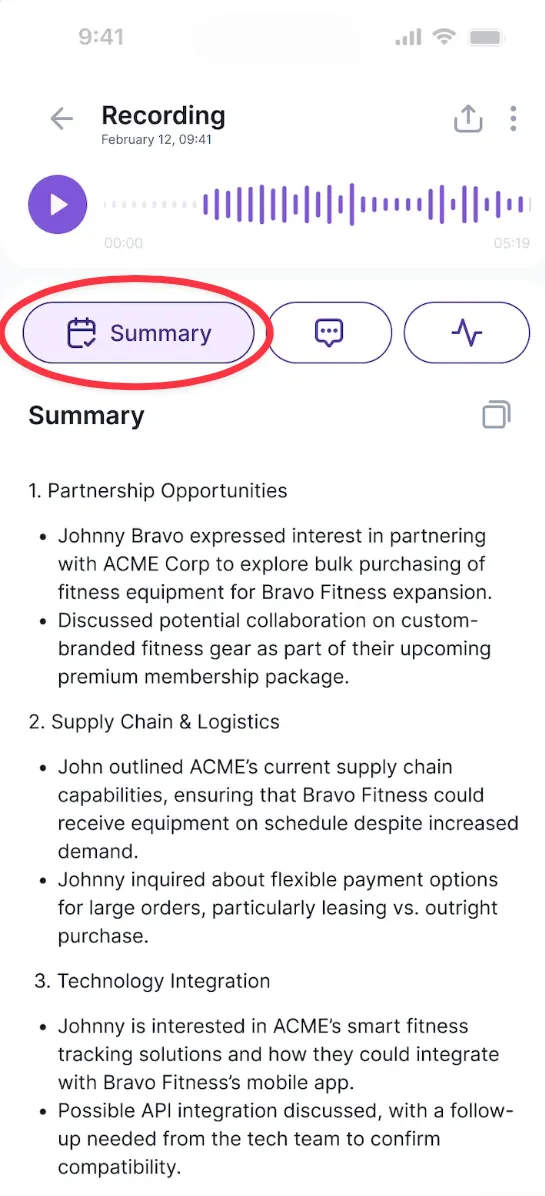
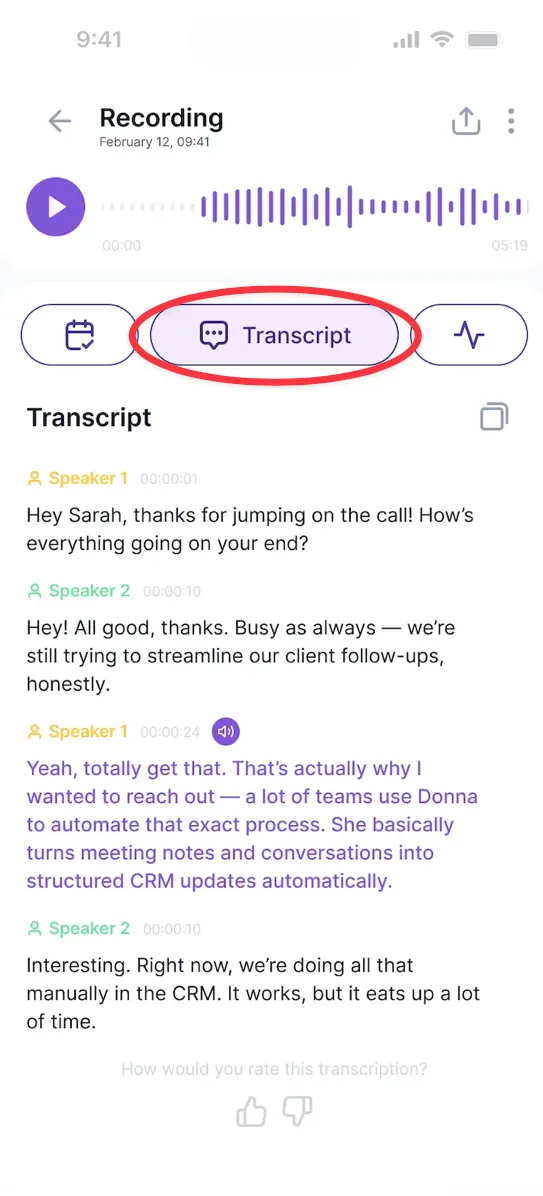
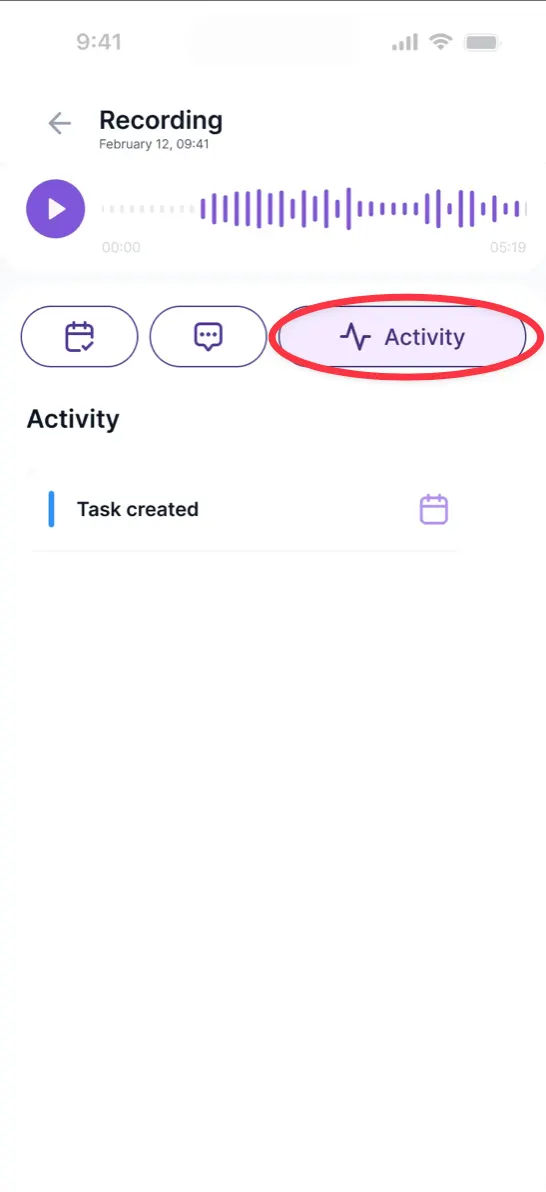
The meeting recording is available in your Donna app under Meeting details → Timeline → Recording.
From there, you can easily switch between:
Summary – an overview of the meeting
Transcript – the full transcription of your conversation, which you can also easily copy
Activity – where you can see the note created in your CRM
Works even without an internet connection!
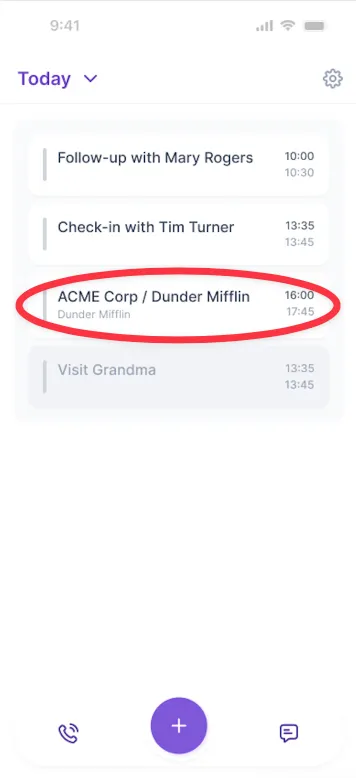
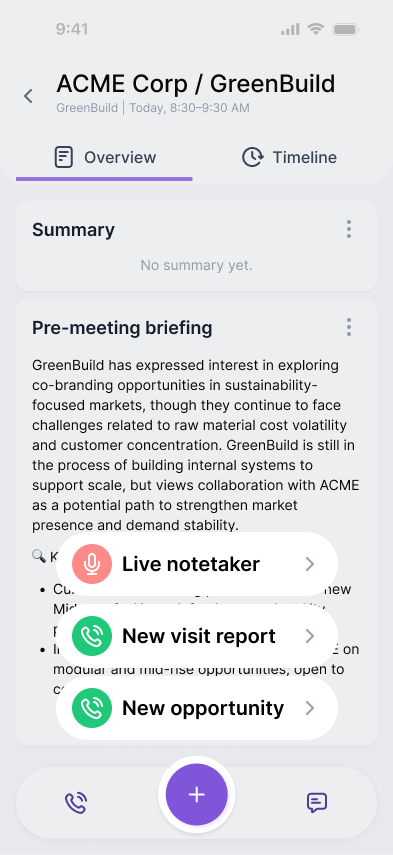
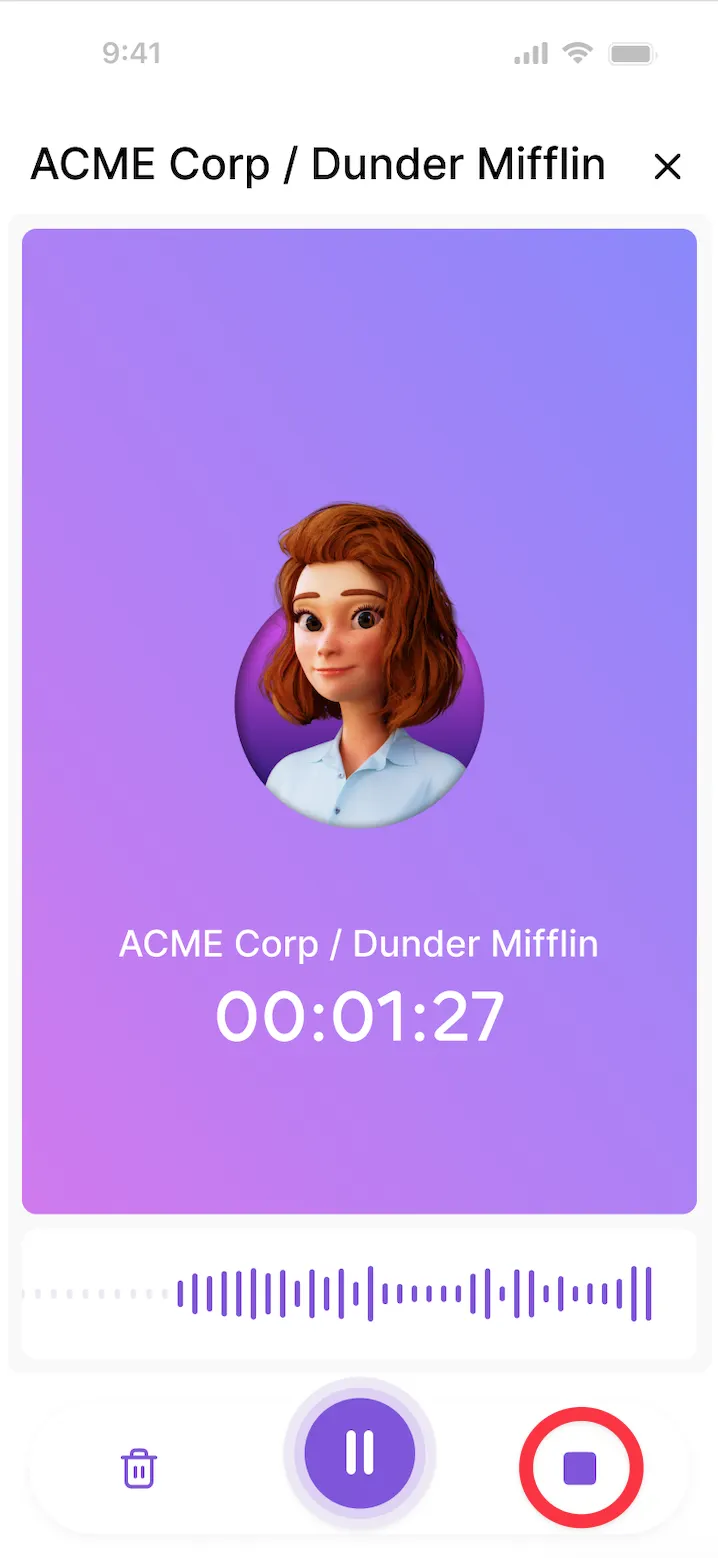
Step 1: Find your already existing meeting in your agenda and tap the microphone icon, then record button. If needed, you can also pause and resume recording later.
Step 2: When your session ends, tap Stop and then Send button.
Step 3: After processing, you’ll find the transcript in the Donna app under Meeting details → Timeline, and also in your CRM under the objects linked to that meeting.
Step 4: Switch between the Summary, Transcript, and Activity tabs to review all details.